Version 3.0.3 - Current Release

Trusted file automation
built for Windows.

FolderFresh 3.0.3 is a Windows-first organiser built in C# / .NET 9 with WinUI 3. It focuses on local rules, profiles, previews, undo, snapshots, and safer folder automation.

C# / .NET 9 WinUI 3 GPL-3.0 Windows 10/11 Preview + Undo
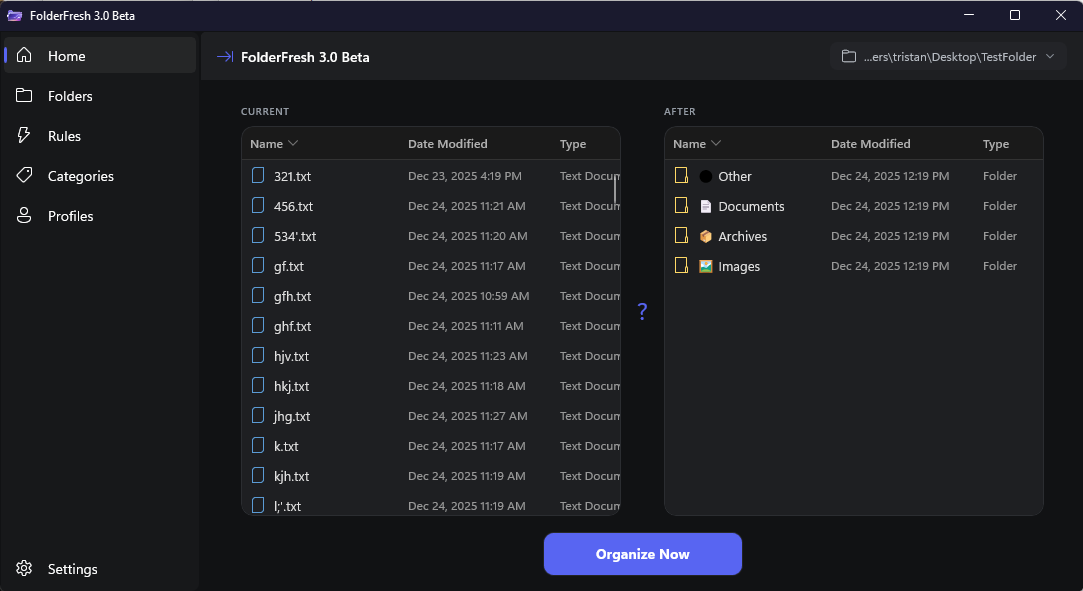
FolderFresh 3.0.3 Home
Home View
v3.0.3

What's New in 3.0.3

A polished release of the rewrite, with packaging fixes, icon restoration, localization updates, and workflow improvements.

Release and Packaging

FolderFresh 3.0.3 removes beta branding, improves desktop launch reliability, and ships with a refreshed installer and consistent release artifacts.

App Polish

This release restores icon behavior for the app window, taskbar, and packaged executable, and adds Vietnamese localization support.

Data Reliability

Rule, category, and settings changes now persist more reliably, including better handling for profile-backed service state.

Category Improvements

Default categories can now be edited, excluded folders are handled correctly, and OpenDocument formats are included in the default category mapping.

Trust Signals

FolderFresh moves files, so accuracy, validation, and recovery are treated as core product features.

Current Release

v3.0.3 stable for Windows 10/11 x64.

Safer Defaults

New installs confirm before organizing and keep subfolder scanning opt-in.

Recovery Tools

Preview, undo, Recycle Bin deletes, and snapshots reduce file-loss risk.

Release Checks

Release validation builds the installer, checks silent install/uninstall, and creates SHA256 checksums.

Core Features

Powerful file automation with complete control

Advanced Rule Engine

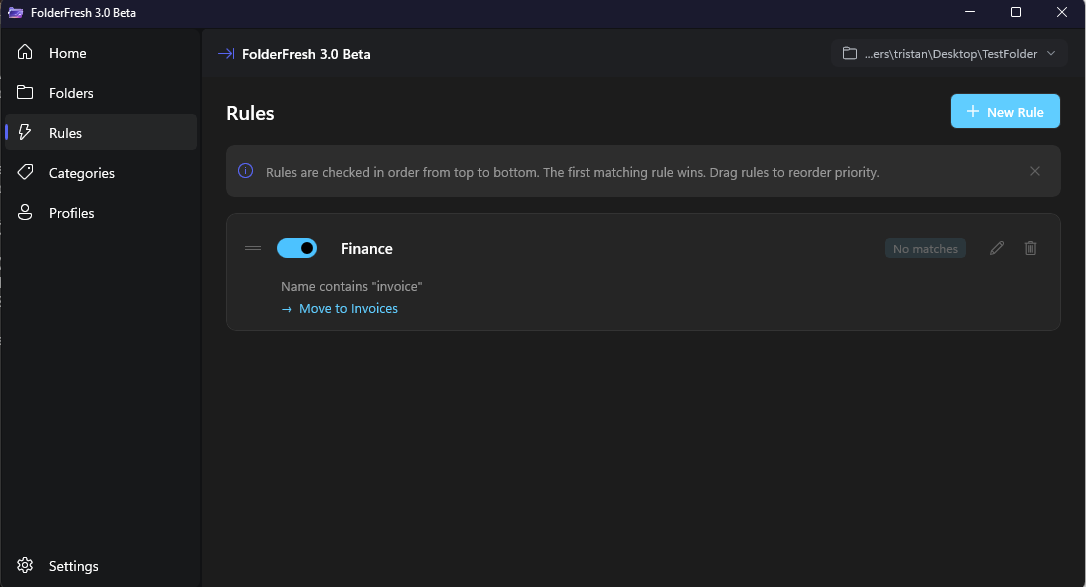
Create rules with regex patterns, date ranges, size conditions, folder/path matching, file kinds, and extensions. Multiple actions per rule use dynamic placeholders.

Profile System

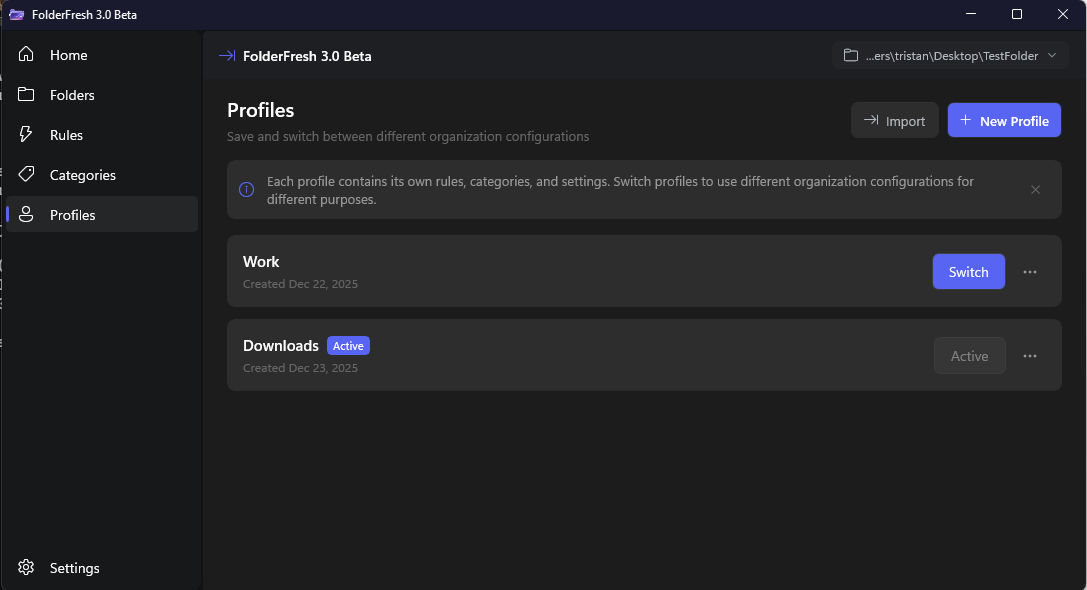
Create multiple profiles for different workflows. Each profile stores its own rules, categories, and settings, and can be switched instantly.

Real-Time Watching

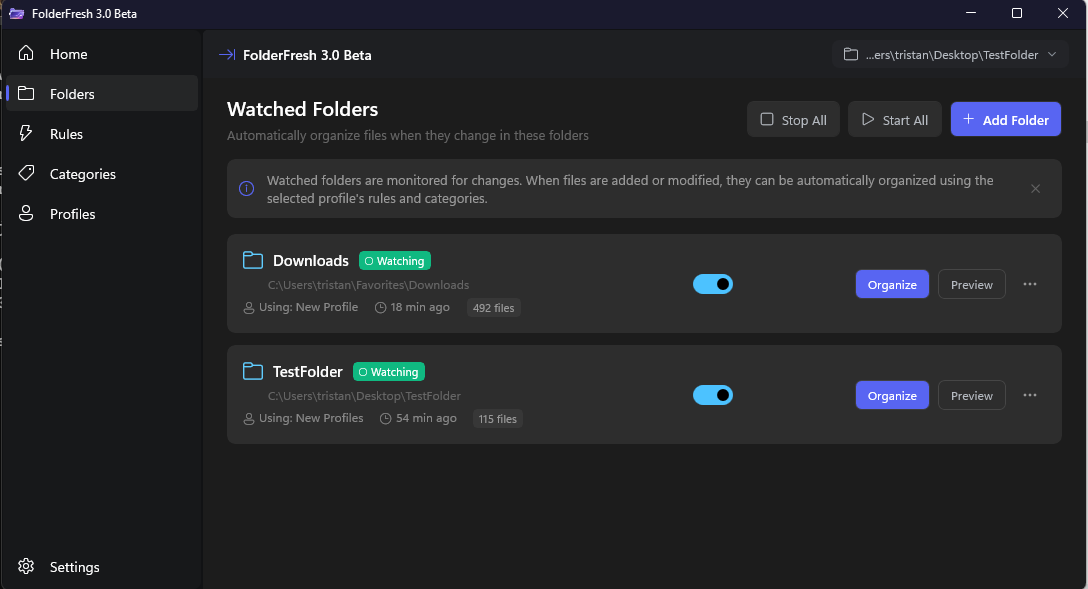
Monitor multiple folders simultaneously with debounced file handling and independent profiles for each watched location.

Smart Categories

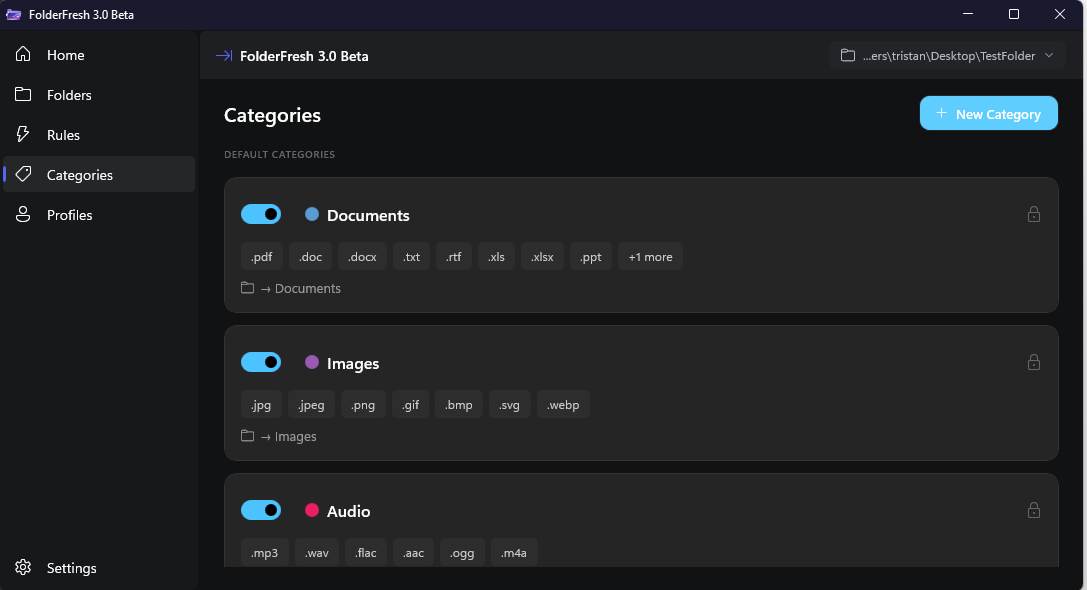
Auto-organize files by type when rules do not match, with customizable categories, colors, icons, extensions, and destination paths.

Preview Mode

See exactly what will happen before organizing. The preview pane gives a clear before-and-after view before changes are applied.

Undo History

Undo recent file operations and optionally send deleted files to the Recycle Bin for safer cleanup.

Starter Packs

Import a ready-made profile, preview it on a temporary folder, then adjust it for your workflow.

Clean Downloads

Documents, images, installers, and archives.

Receipts

Receipt and invoice PDFs by year and month.

Screenshots

Screenshot files into monthly folders.

Creator Inbox

Images, video, audio, archives, and design exports.

Client Intake

Client files split into dated intake folders.

Screenshots

FolderFresh 3.0.3 in action

Home
Home
Watched Folders
Watched Folders
Rules
Rules
Categories
Categories
Profiles
Profiles
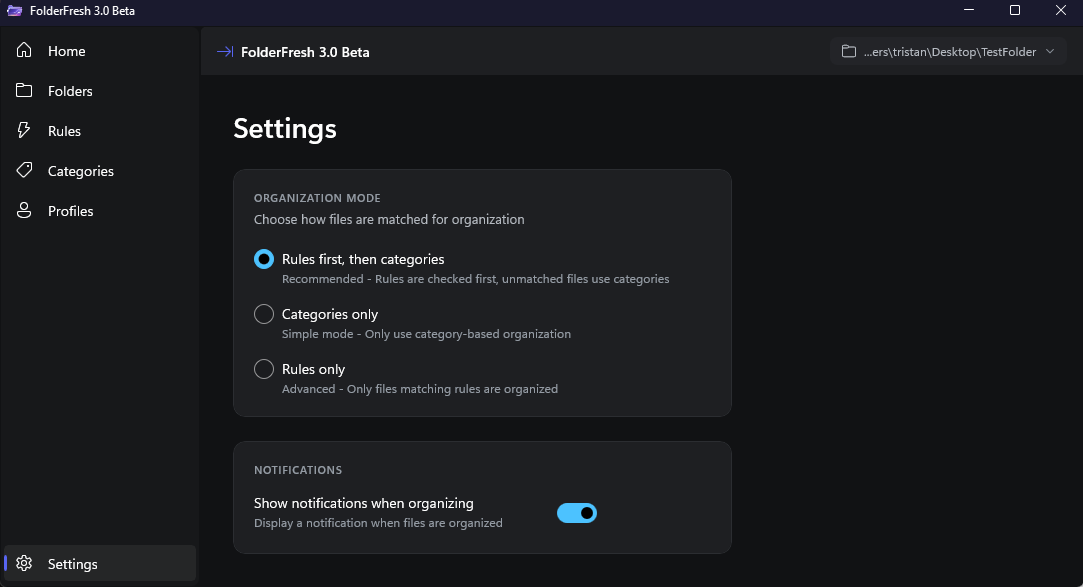
Settings
Settings

Requirements

Windows 10/11
Version 1809+
x64 Processor
64-bit required
.NET 9.0
Included in installer

Ready to automate your files?

Download FolderFresh 3.0.3 and get a native Windows file automation workflow with rules, profiles, previews, undo, and real-time watchers.